You haven't signed in yet, you can have a better experience after signing in
*Please complete the payment within {{receiveCouponInfo.expire_at}}Previous use*
You haven't signed in yet, you can have a better experience after signing in



Activity Rules
1、Activity time:{{ info.groupon.start_at }} ~ {{ info.groupon.end_at }}。
1、Activity time:cease when sold out。
2、Validity period of the Group Buying:{{ info.groupon.expire_days * 24 }} hours。
3、Number of Group Buying:{{ info.groupon.need_count }}x。
Please Pay Attention
1、Teamwork process: Join/initiate a Group Buying and make a successful payment - Within the validity period, the number of team members meets the activity requirements - Group Buying succeeded!
2、If the number of participants cannot be met within the valid period, the group will fail, and the paid amount will be refunded in the original way.
3、The number of people required and the time of the event may vary among different products. Please pay attention to the rules of the event.
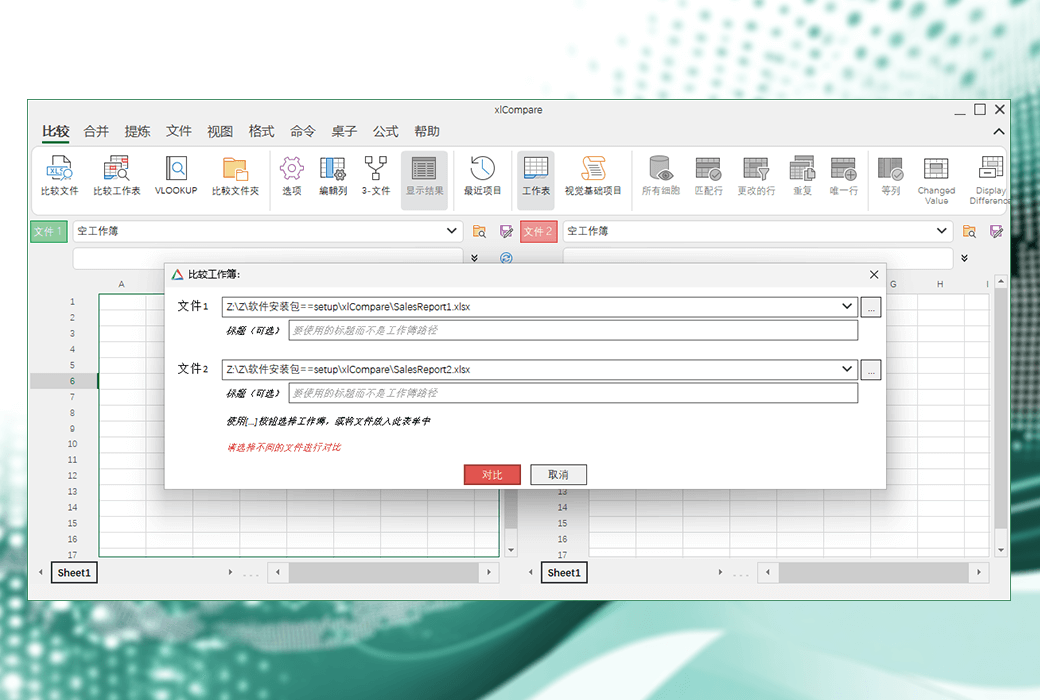
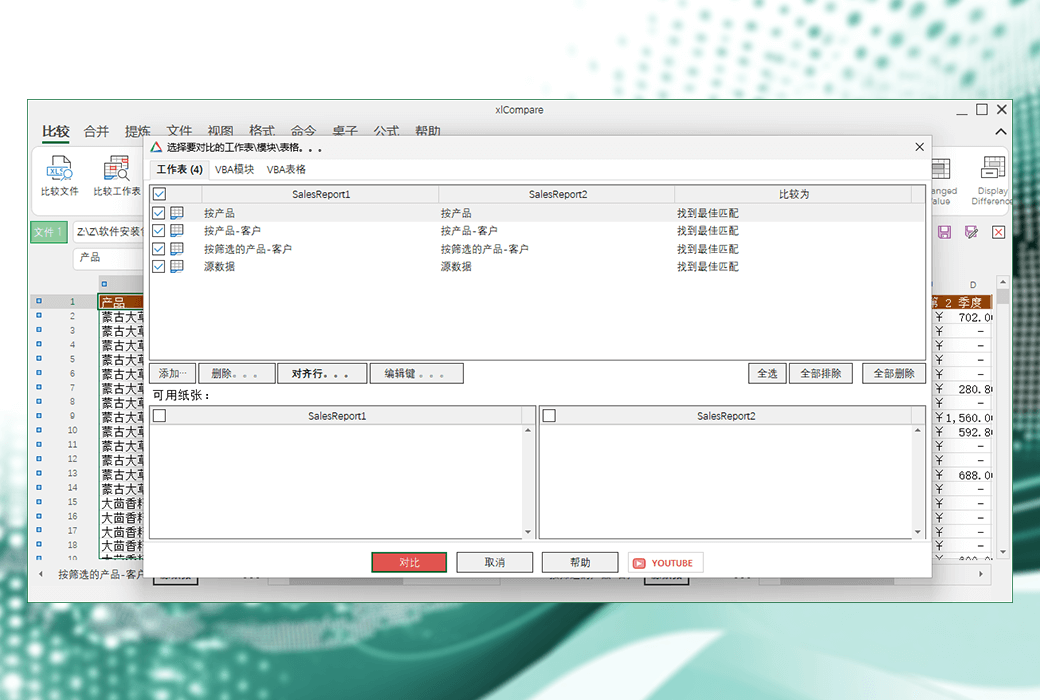
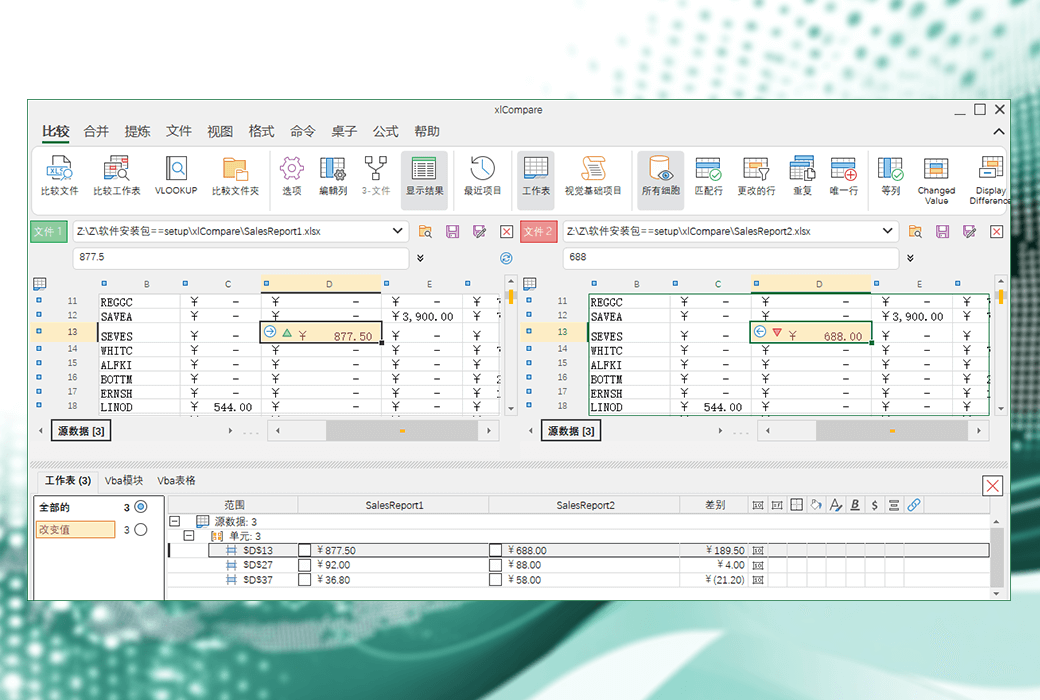
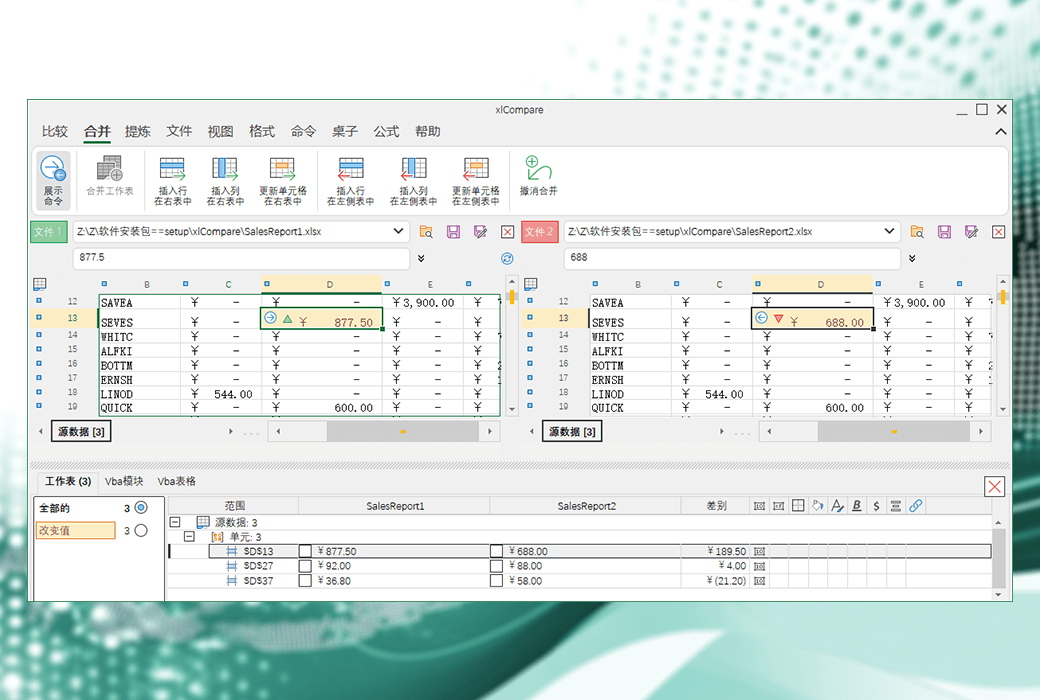
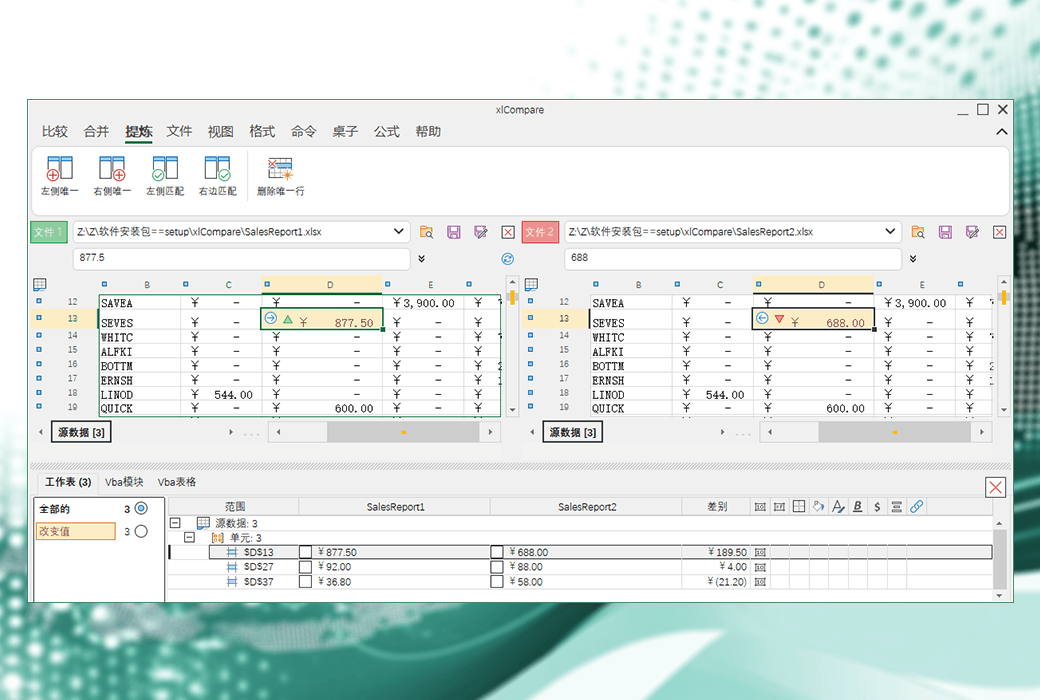
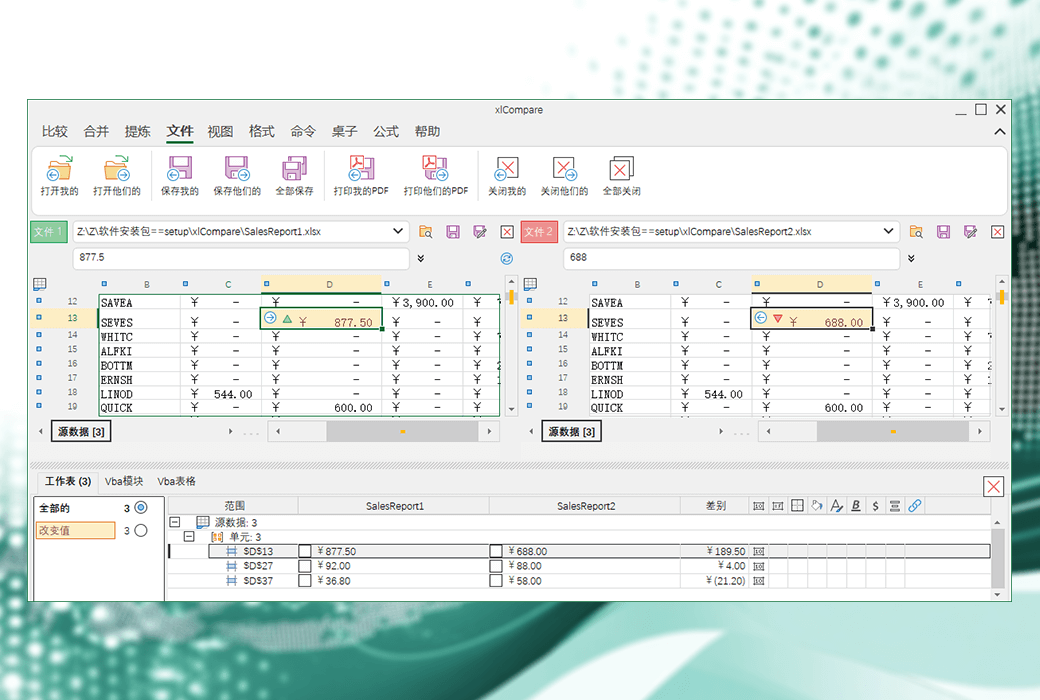
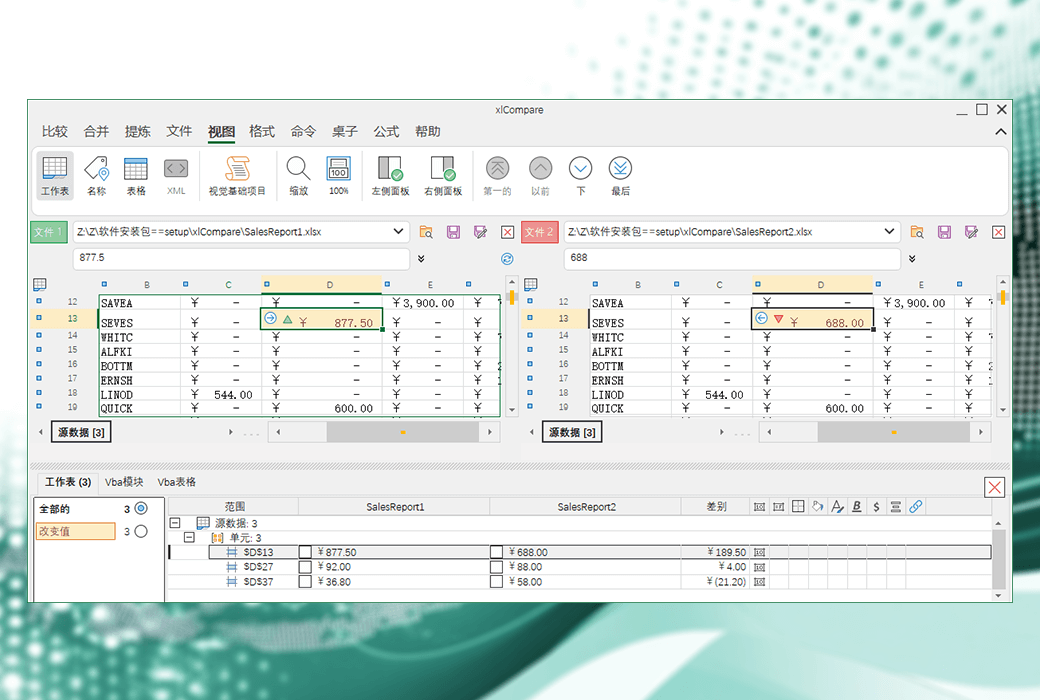
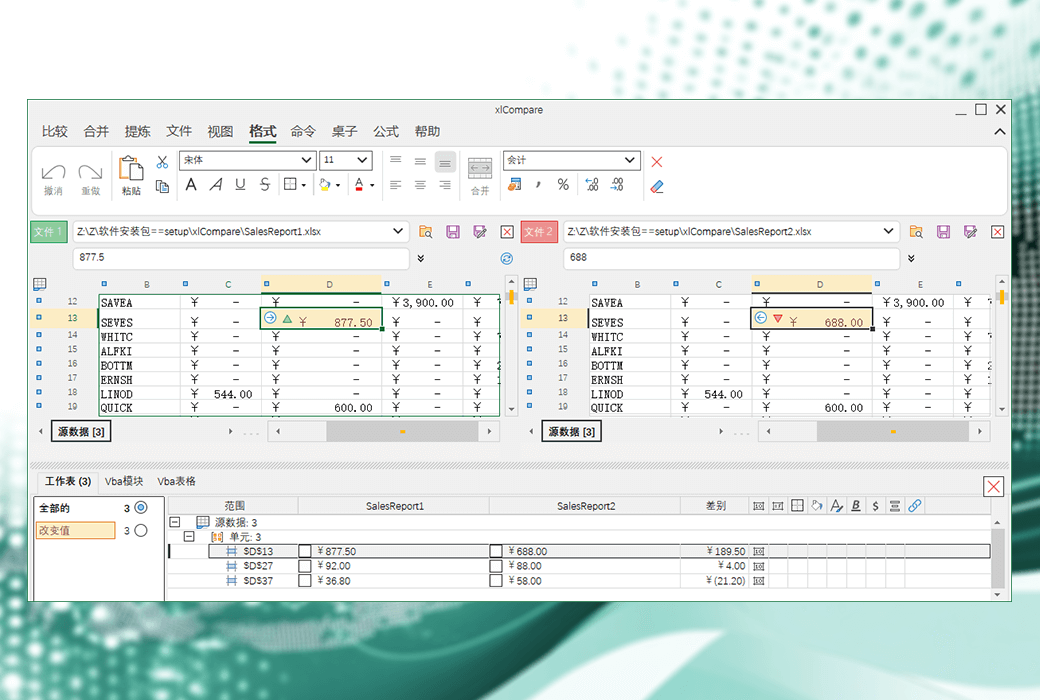
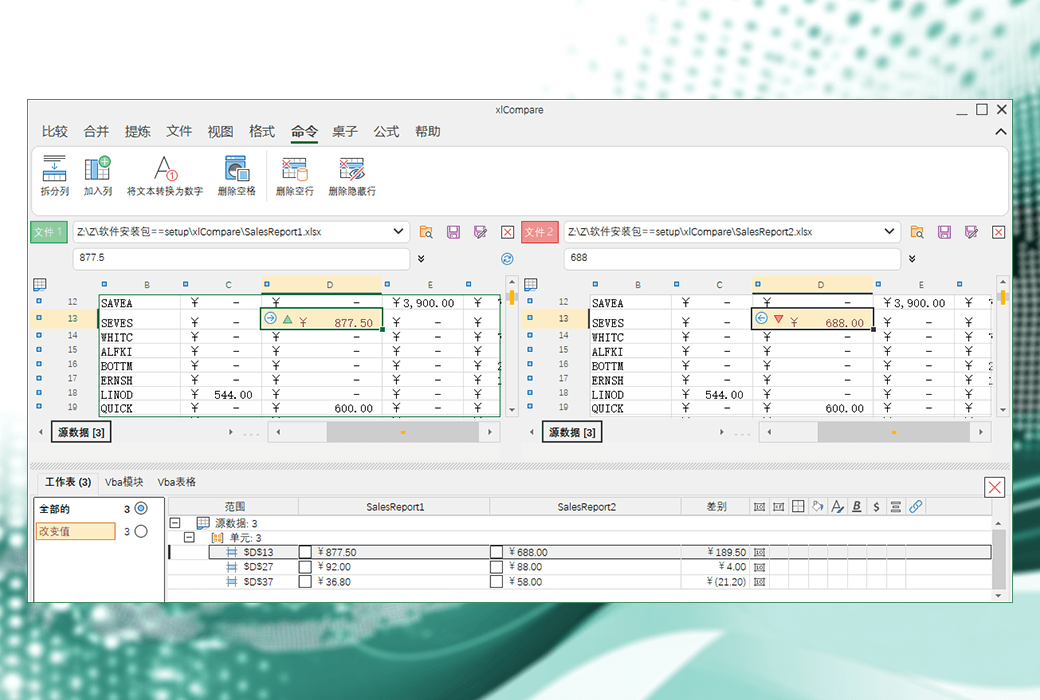
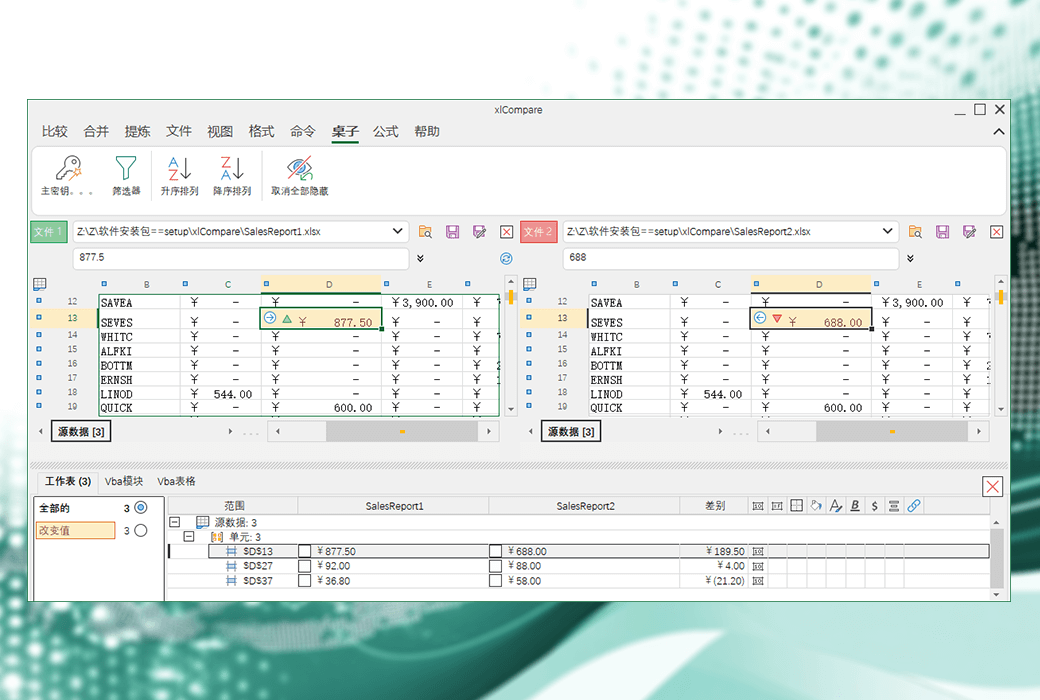
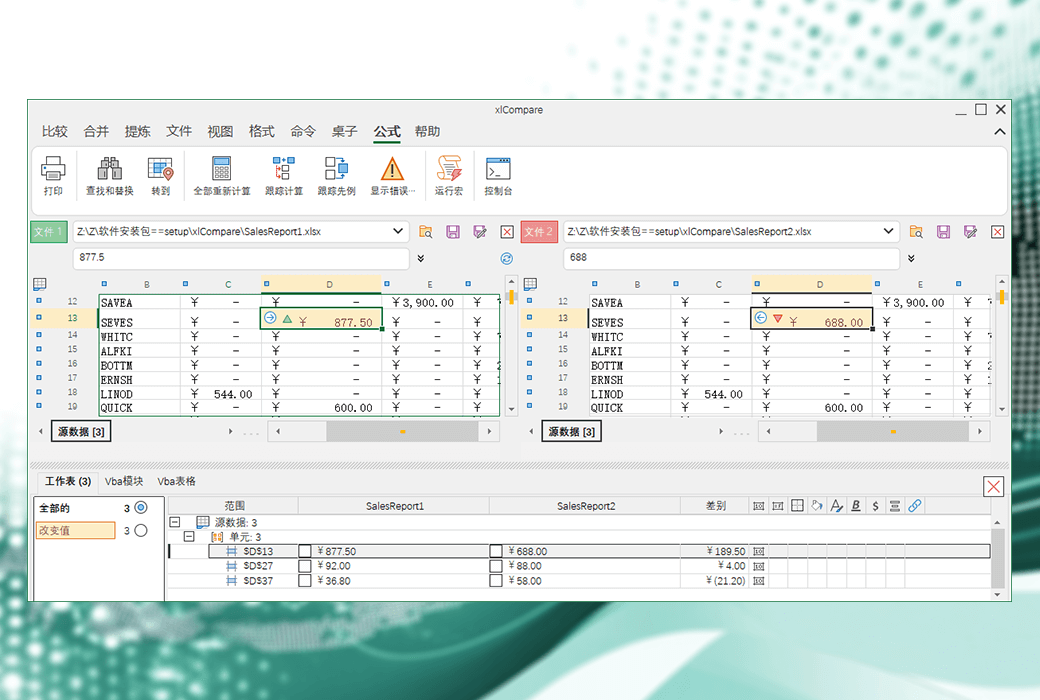
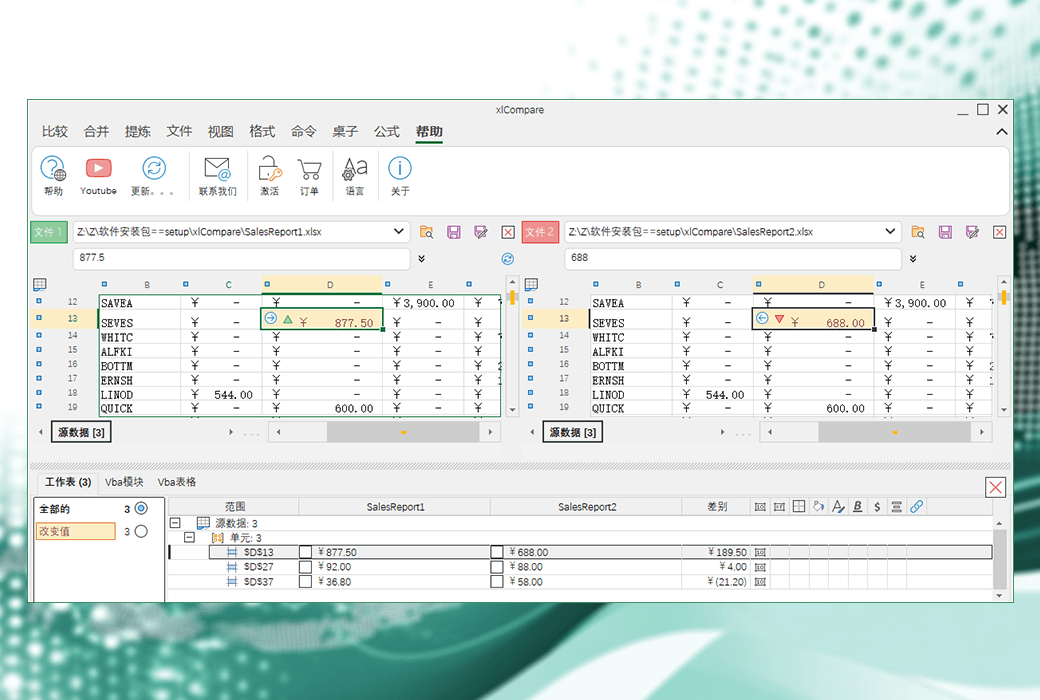
XlCompare is an Excel file data difference comparison tool that allows users to compare the differences between two Excel files. It not only compares values and formulas, but also compares cell formats and VBA modules. This tool is very suitable for users who need to compare Excel files in version control systems such as SVN, GIT, Perforce, Source Tree.
Functional Features
Usage steps
Integrated version control system
XlCompare can be integrated into version control systems such as SVN, GIT, Perforce, Source Tree, etc., providing rich command-line options to meet the needs of SVN/GIT applications.
Command line parameters
XlCompare supports complete command-line parameters, allowing users to perform comparison and merging tasks in command-line mode.
Official Website:https://xlcompare.com/
Download Center:https://xlcompare.apsgo.cn
Delivery Time: processed manually online
Operating Platform: Windows
Interface Language: supports Chinese interface display, with multiple languages available.
Update Instructions: the manufacturer promises one-time purchase, lifetime updates, and usage.
Trial Before Purchase: free trial available before purchase.
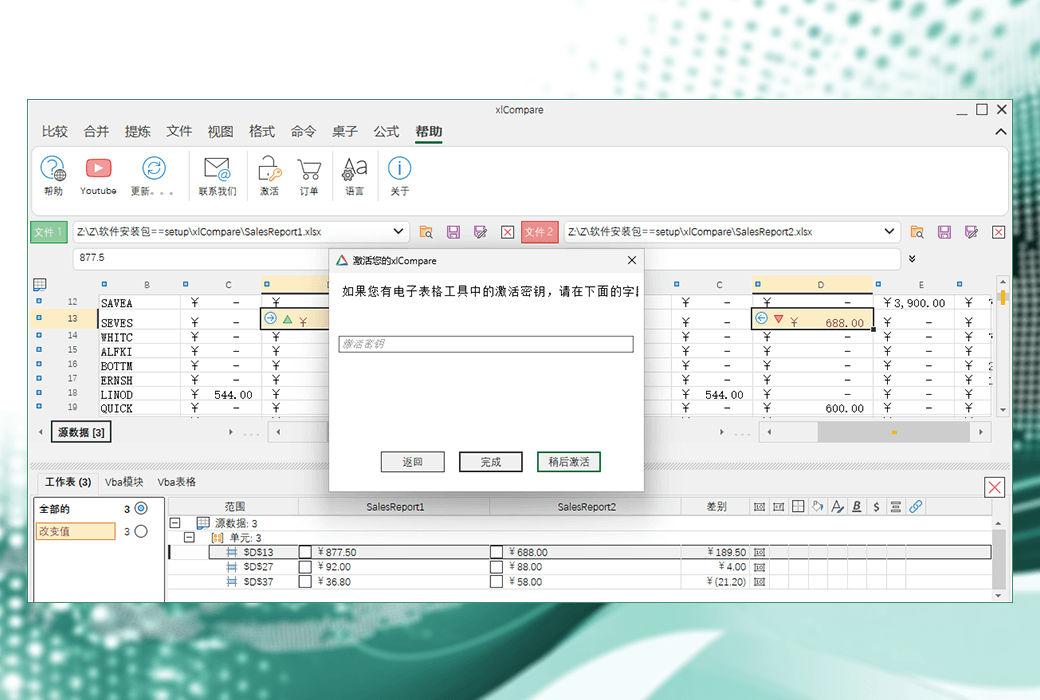
How to Receive the Product: after purchase, activation information will be sent to the email used for ordering, and you can also view the corresponding product activation code in your personal center, under "My Orders".
Number of Devices: 1 user: supports activation and usage on 1 computer. 5 users: supports activation and usage on 5 computers
Changing Computers: please contact the Softgo Mall customer service to assist you in contacting the manufacturer to reset the license, or you can also directly contact the manufacturer to reset the license.
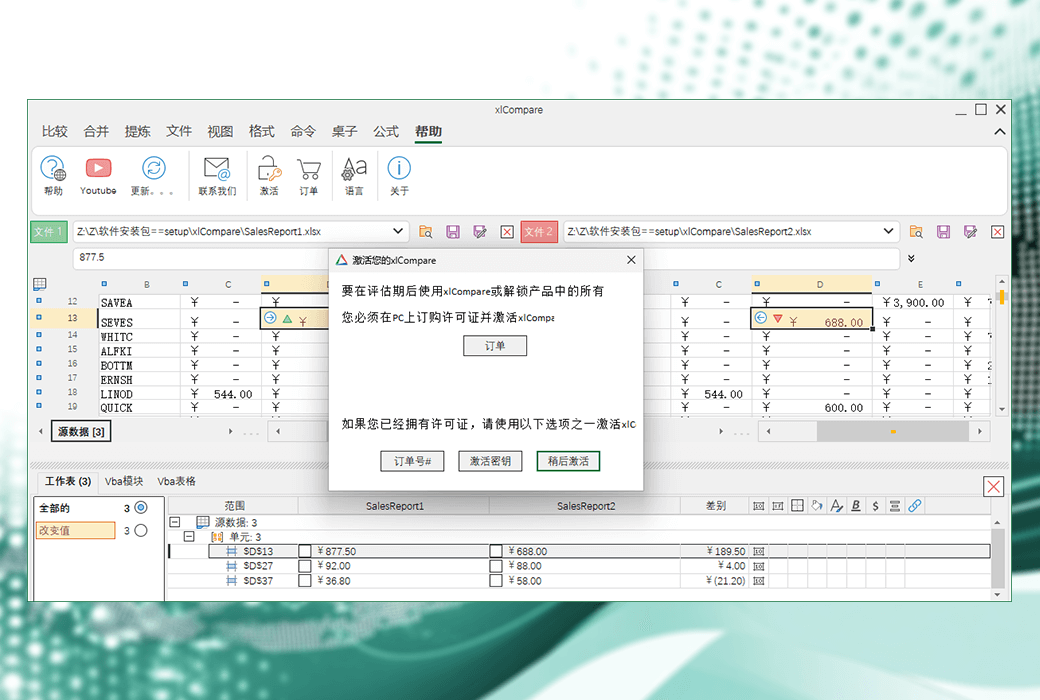
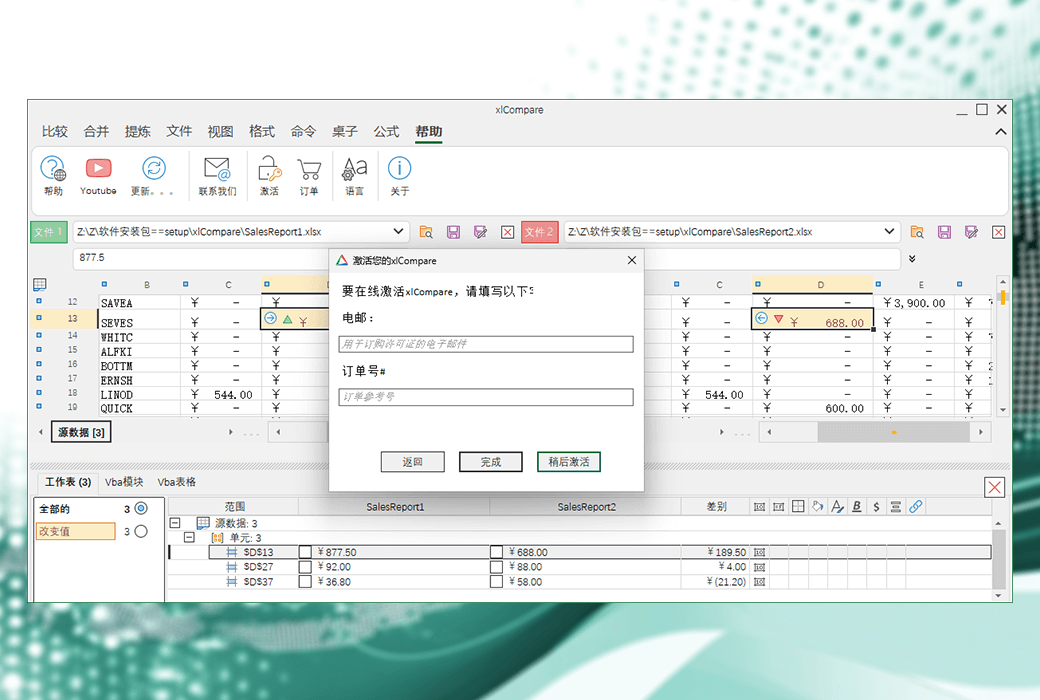
Activation Guide: open the software, click "Help" --> "Activation" --> "Order Number#", enter your "Email" and "Order Number#" to complete activation.
Special Instructions: to be added.
References:https://xlcompare.com/cn-order.html

Any question

Hello!
One xlCompare license allows you to use the software on one computer. If you plan to use xlCompare on multiple computers, you will need one license for each computer.